Quick Start Guide
Create an account & send your first events
Register, create a project, grab your API key, install the Teclaz snippet, and verify live events in minutes.
Create your account (video)
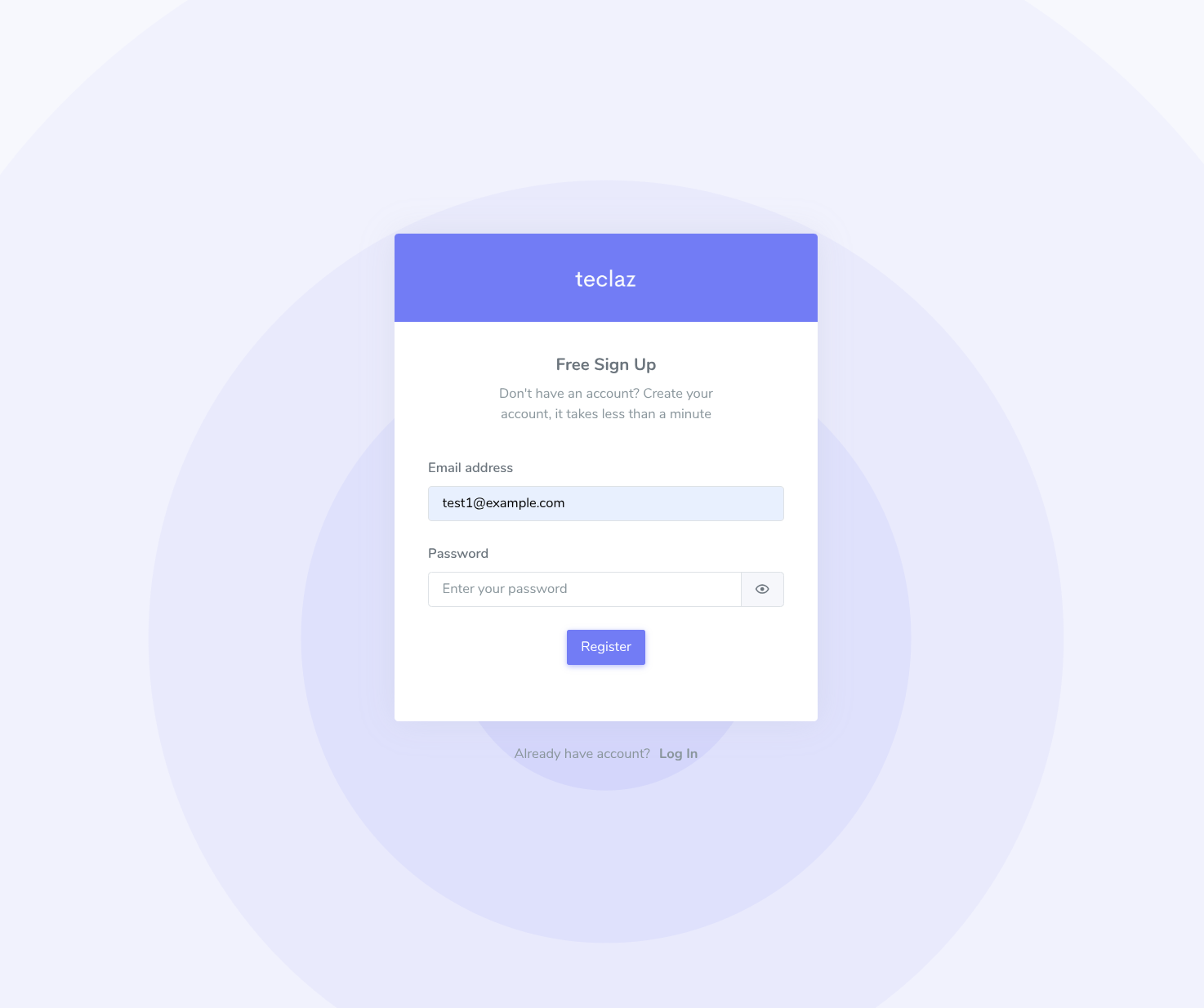
From the homepage, click START FOR FREE, enter your email and password, then click Register.

Verify your email & sign in (video)
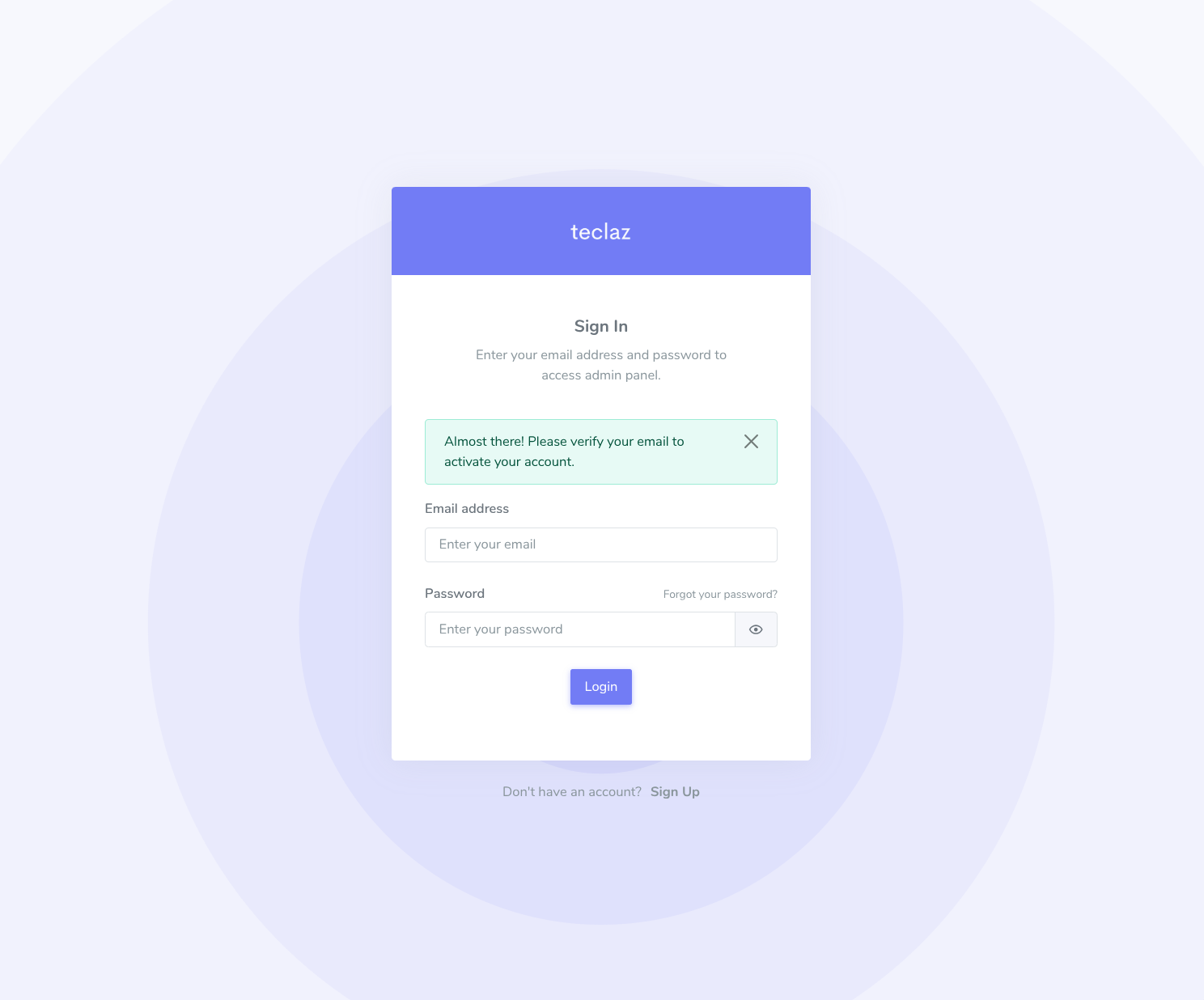
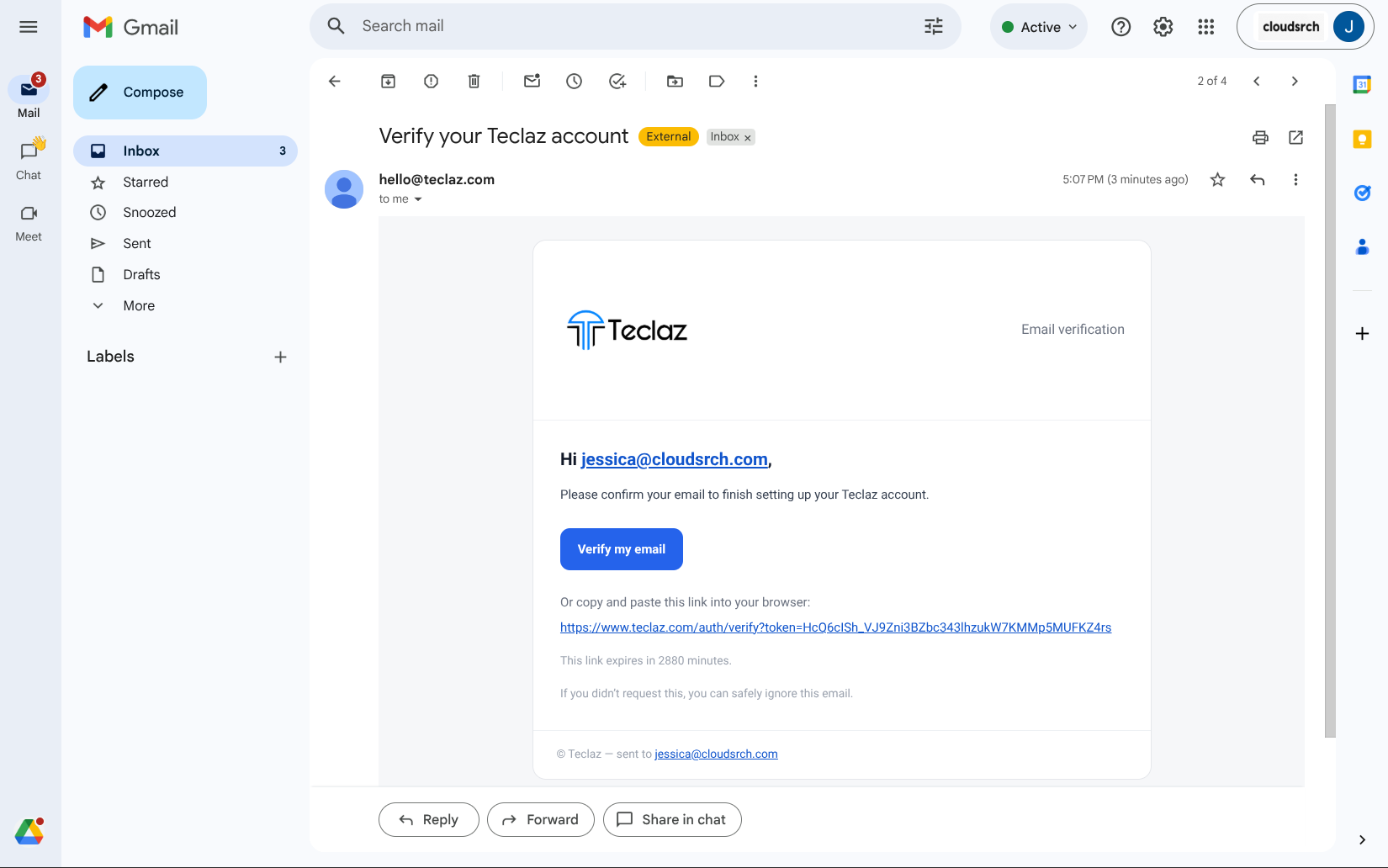
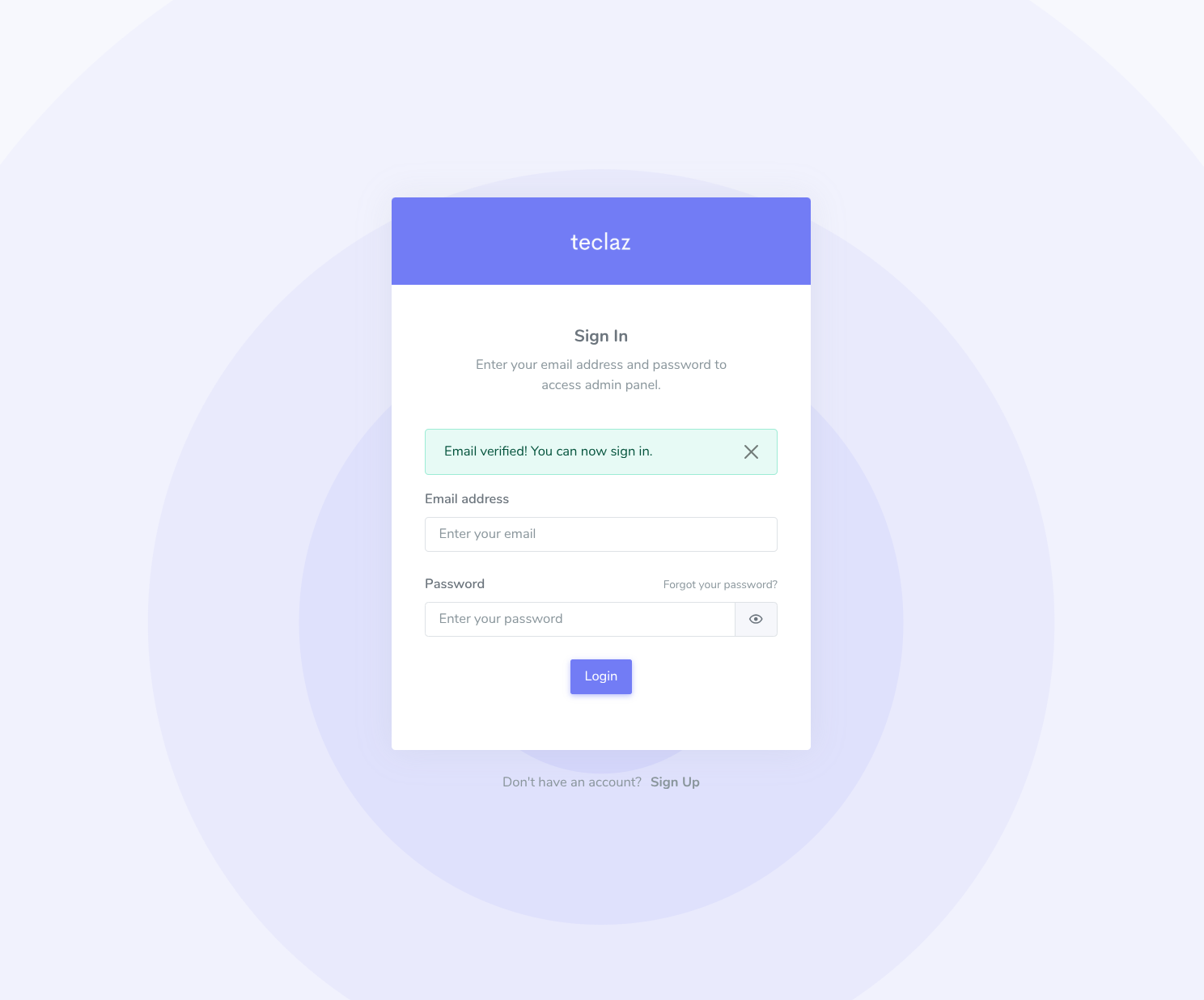
Check your inbox for a verification email from Teclaz. Click the link, then return and sign in. Be sure to check your spam folder if you don’t see it.
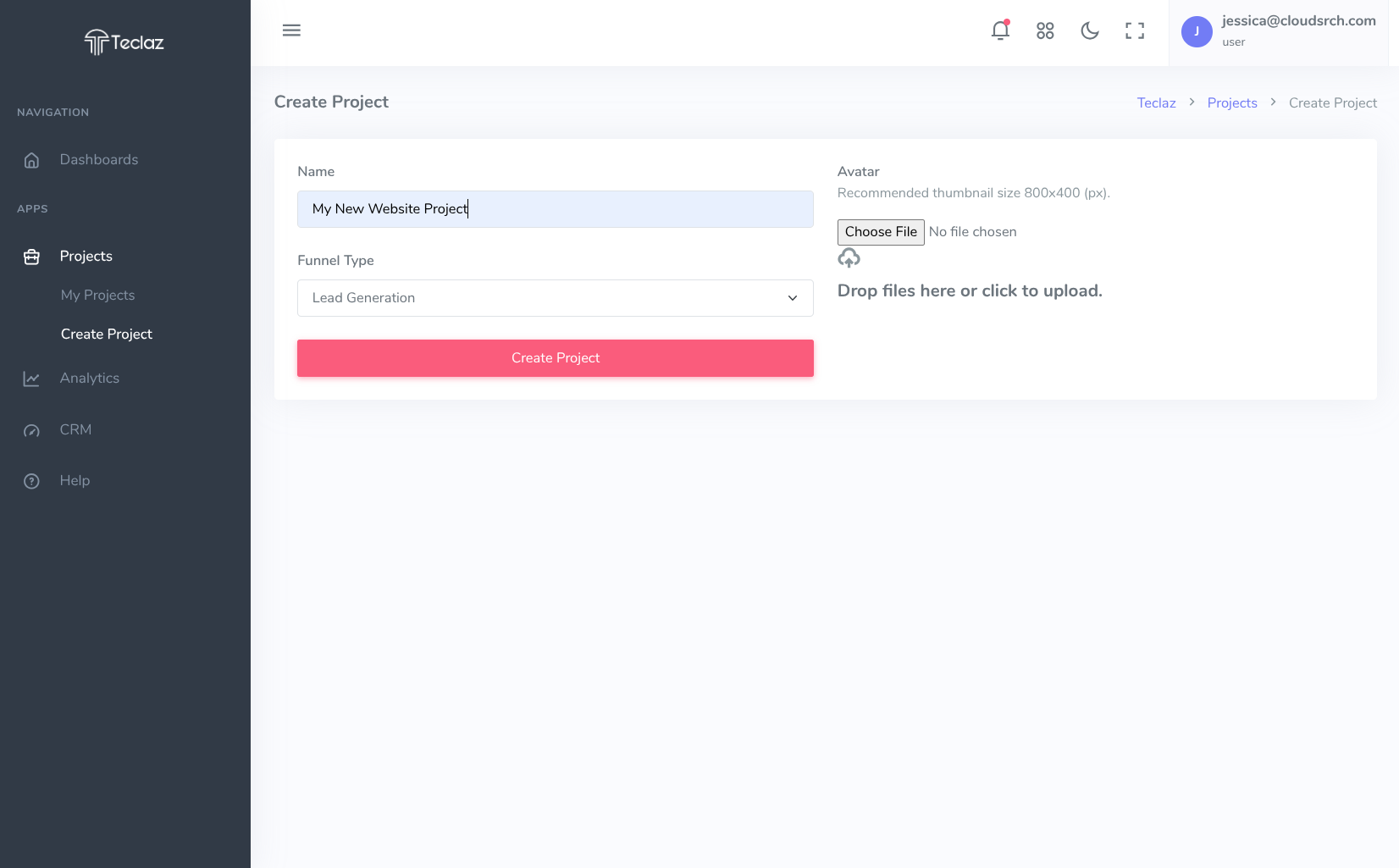
Create a project (video)
In the dashboard, go to Projects → New Project, give it a name such as “Website,” and save.
Copy your API key (video)
Open the project settings and copy the Public API Key. You’ll use this in your client code.
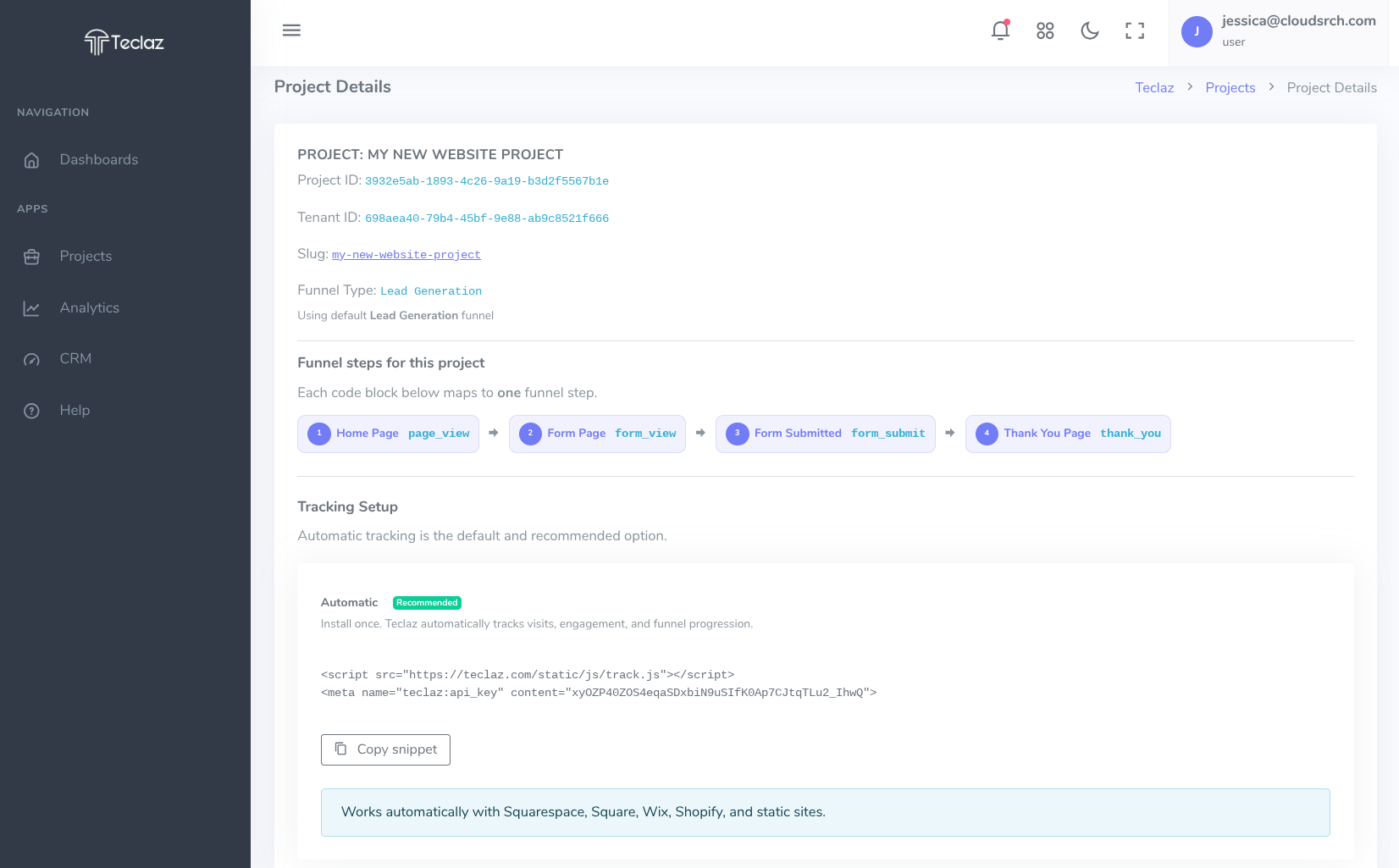
Add the Teclaz snippet to your site (video)
Copy this code into the <head> section of your website. Replace the content value with your project’s API key.
Primary copy/paste snippet
<script src="https://teclaz.com/static/js/track.js"></script>
<meta name="teclaz:api_key" content="YOUR_PUBLIC_API_KEY">
Example: where this goes in your HTML
<!doctype html>
<html>
  <head>
    <title>Example page</title>

    <!-- Teclaz tracking -->
    <script src="https://teclaz.com/static/js/track.js"></script>
    <meta name="teclaz:api_key" content="YOUR_PUBLIC_API_KEY">
  </head>

  <body>
    <!-- Your site content -->
  </body>
</html>
This sends an event every time your homepage loads. No further configuration is required.
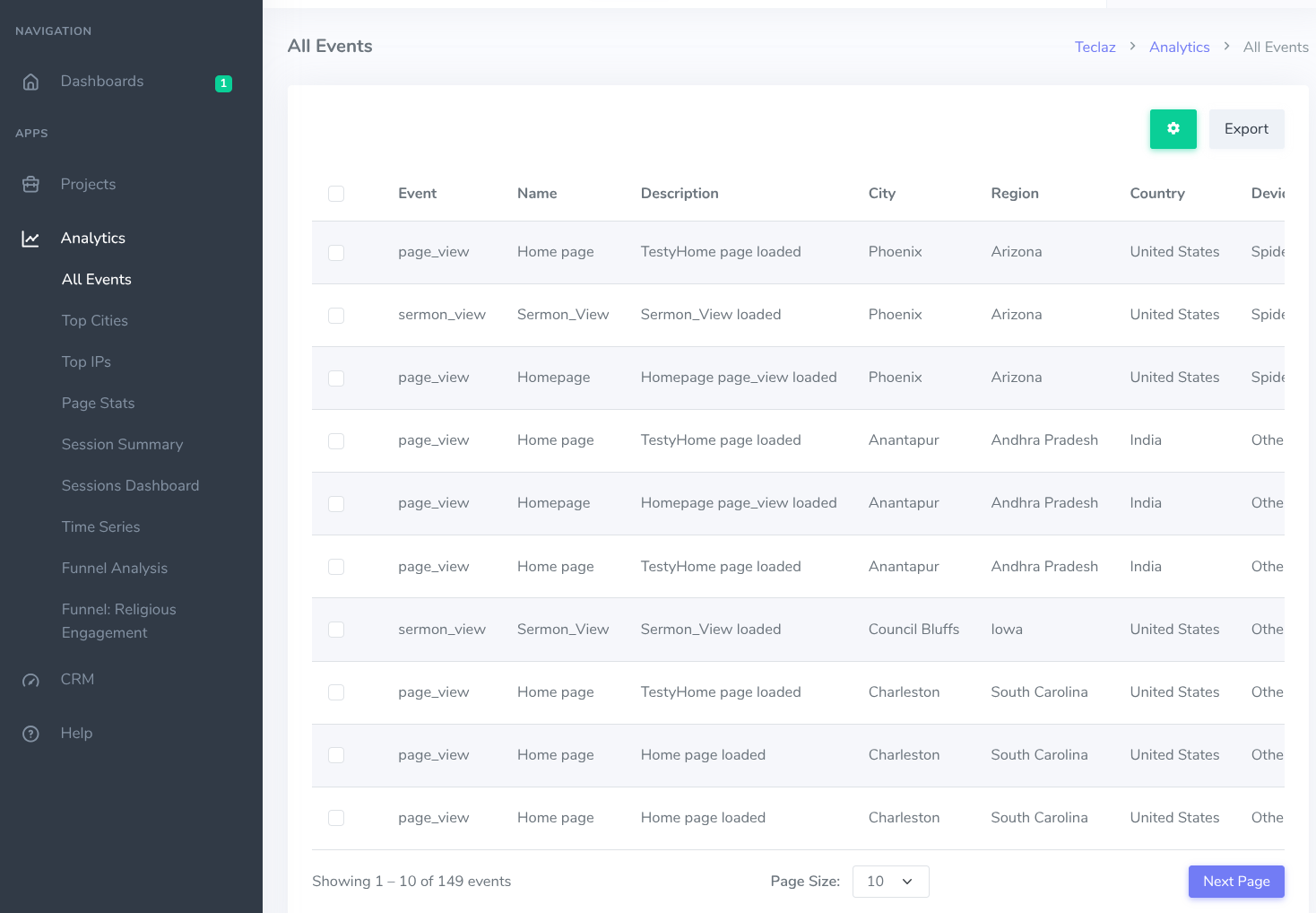
Verify events in the dashboard (video)
Go to Analytics → All Events to see your page view events in real time.
Having trouble?
- Didn’t get the verification email? Check spam or promotions, or click Resend verification.
- Not seeing activity yet? Make sure the Public API key on your site matches the project you’re viewing in Teclaz.
- If nothing appears, try opening your site in a private window or temporarily disabling ad blockers or privacy extensions.
-
For a quick check, you can open browser dev tools → Network and confirm
requests are sent to
teclaz.com/static/js/track.js. - Still stuck? Contact us — we’re happy to help.
Ready to see your first events?
Start free, sign in, or request help from the Teclaz team if you want guided setup support.